 Snow Outside
Up to five duelists
Elves build snowmen that come to life. Duelists wear five colors of top hat, jump onto windows and dodge incoming snowballs. A hit can leave only the hat behind.
DESKTOP WEATHER
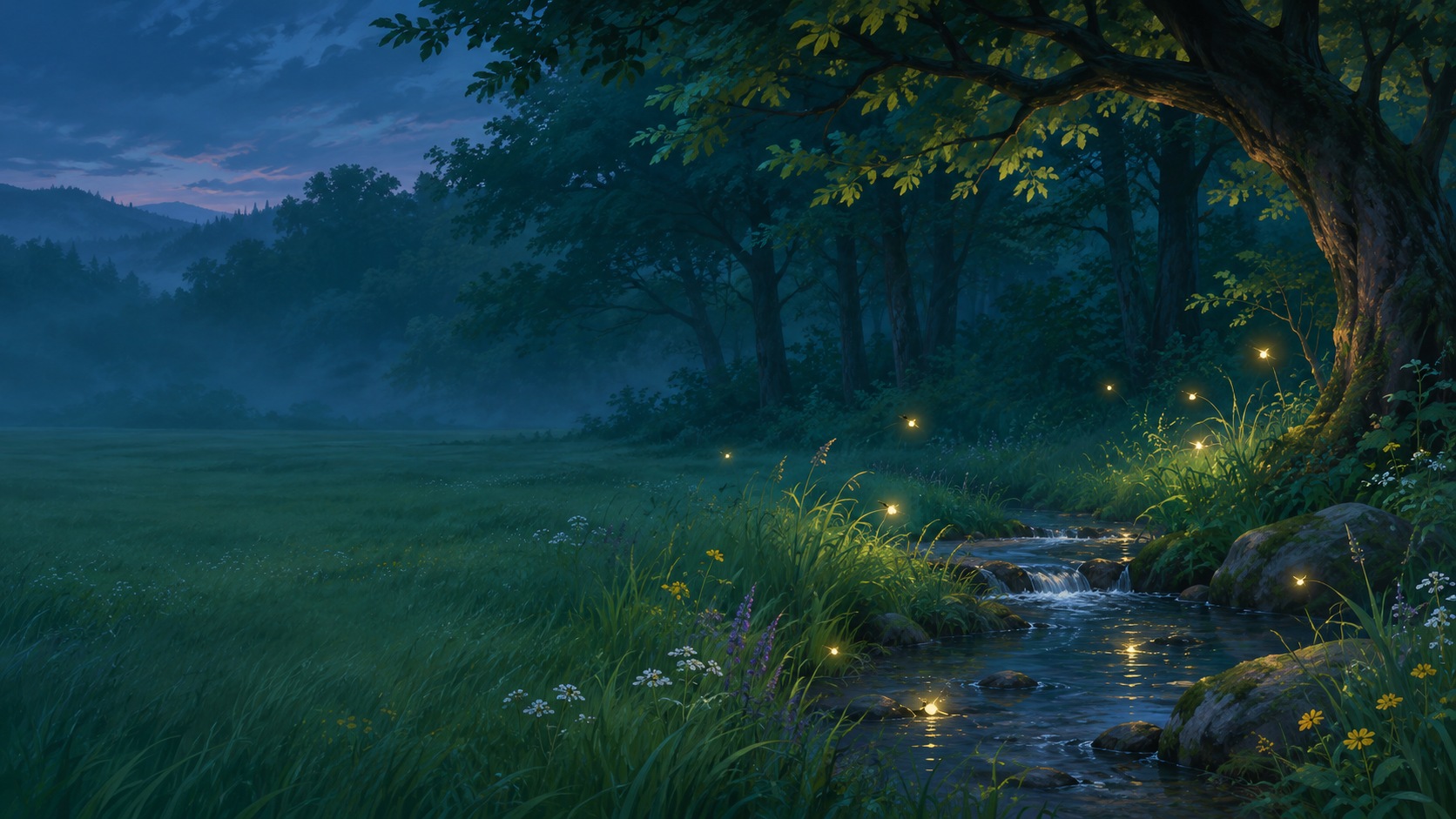
Snow settles on your windows. Snowmen leap across them. Fireflies gather around a still pointer.
THE EFFECTS
Choose an effect to see how it moves across windows and its matching wallpaper.
WINTER PLAY
Roll snow into balls with your pointer and stack them as high as you can. A red pom-pom hat, teal earmuffs or a green top hat appears when you stack three. A hit from a duelist or a pass from the snowplough can scatter your snowman back into snow.
Elves build snowmen that come to life. Duelists wear five colors of top hat, jump onto windows and dodge incoming snowballs. A hit can leave only the hat behind.
The rolling mound grows as the plough clears snow. A duelist caught in it absorbs snow, grows three times larger, then leaps out and throws bigger snowballs. Its larger body is easier to hit.
Catch a rare animated flyby or start it yourself. The snowplough, Santa’s sleigh team and the autumn groundskeeper each have three styles.
THE WALLPAPERS
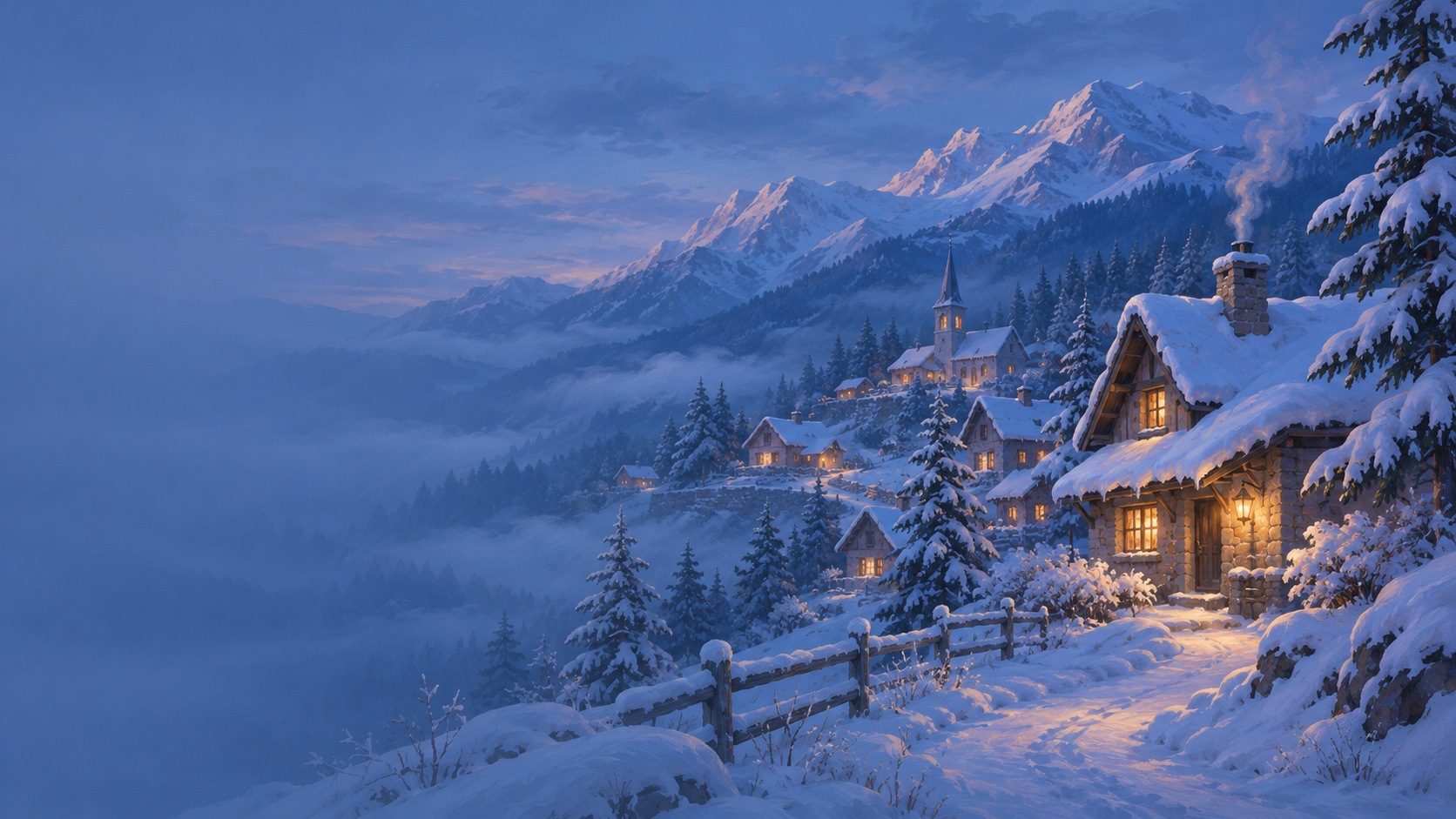
Six original scenes are included. Preview, apply or hide a wallpaper from its effect tab.




THE WINDOWS EDITION
Six effects, six optional wallpapers and separate intensity controls from 0% to 200%. Open the settings from the tray icon and choose an effect in its own tab.
$4.99 USD
One-time purchase · Windows x64
Checkout is currently closed.
When sales open, your receipt will contain a download link and activation key. Run the Windows installer and enter the key. An internet connection is required for activation.
Preview builds exist for Apple Silicon and Intel. macOS is not included in the Windows purchase.
Right-click the snowflake in the Windows system tray or macOS menu bar for Open application and Quit. Double-click the snowflake to open settings.
Settings open in English by default. You can switch to Russian in the app.
Wallpapers are optional. Choose Apply in an effect tab to set one. Choose Hide to restore a supported previous background.
Yes. Effects run per display. Windows pauses effects on a display used by a fullscreen app. On Mac you can enable fullscreen pause in Settings.